How to Set Up a Subaru Service Schedule for the New Year
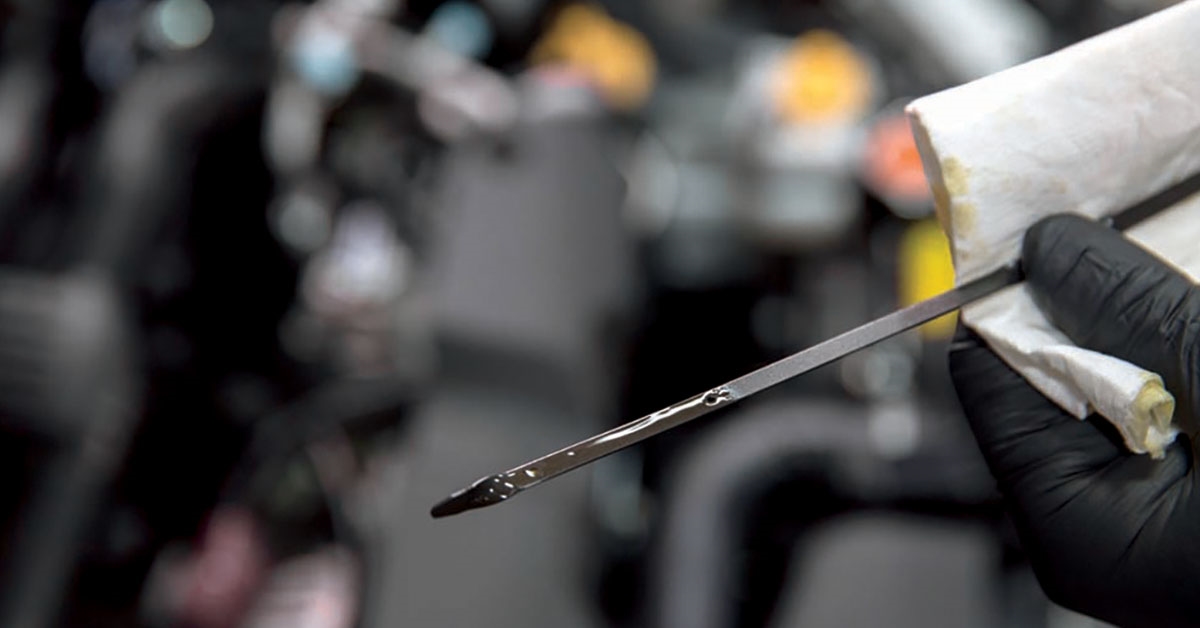
When it comes to caring for your vehicle, prioritizing service is always a great resolution. It’s important to stick to a strict Subaru service schedule to keep your car healthy. Kirby Subaru of Ventura is outlining the easy process to set up your schedule, so you don’t miss an appointment.
Review Your Owner’s Manual
Before you set up your Subaru service schedule, you need to know your vehicle’s maintenance needs. New Subaru models typically need maintenance every six months or 6,000 miles, although there are many factors that play into your schedule. Check your owner’s manual to see the maintenance demands for your vehicle. You may need maintenance more often if you have adverse driving conditions, such as always taking short trips or frequent stop-and-go traffic.
Set Up Your Schedule Online
You can always quickly schedule a Subaru service appointment on our site. Starting with the “Service & Parts” tab, click “Schedule Service”. For first-time guests, you'll need to add info about your vehicle including your VIN, model year, make, model, and mileage. You can create a profile for faster logins each time or set all your appointments at once.
Utilize the MySubaru® App
The MySubaru® App keeps you connected to your Subaru vehicle. You can use it to monitor your vehicle’s health or quickly schedule service. To start, you’ll need to download the app from the Apple app store or Google Play store. Once you set up an account, it will even remind you when appointments are due.
Schedule Subaru Service in Ventura, CA
We offer Certified Subaru service and repairs to all Thousand Oaks-area drivers. We’ll make sure that your vehicle is well cared for in 2026. Reach out to the team at Kirby Subaru of Ventura to set up your Subaru service schedule today!